


FF Advance Server APK
Garena International I
- Version
- 68.52.0
- Size
- 831.6 MB
- Android
- 5.0+
- Category
- Action
Screenshots
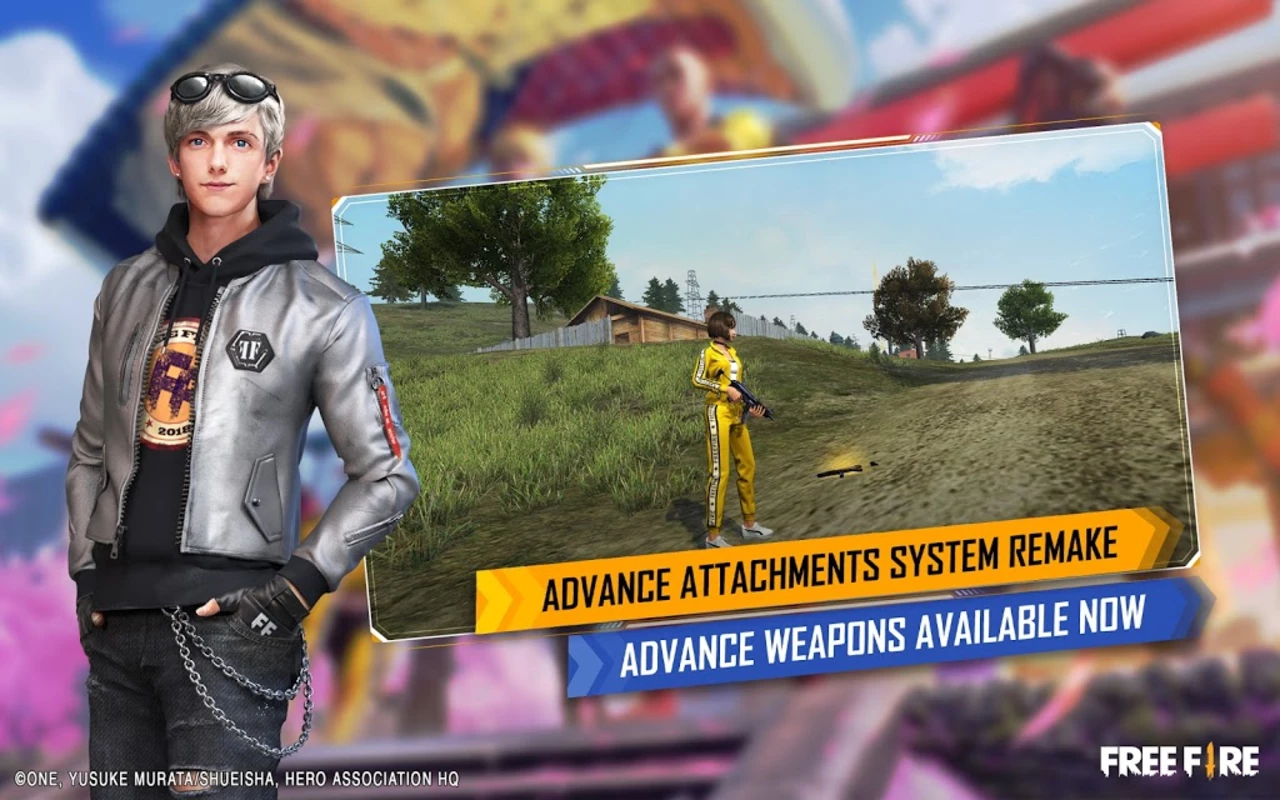
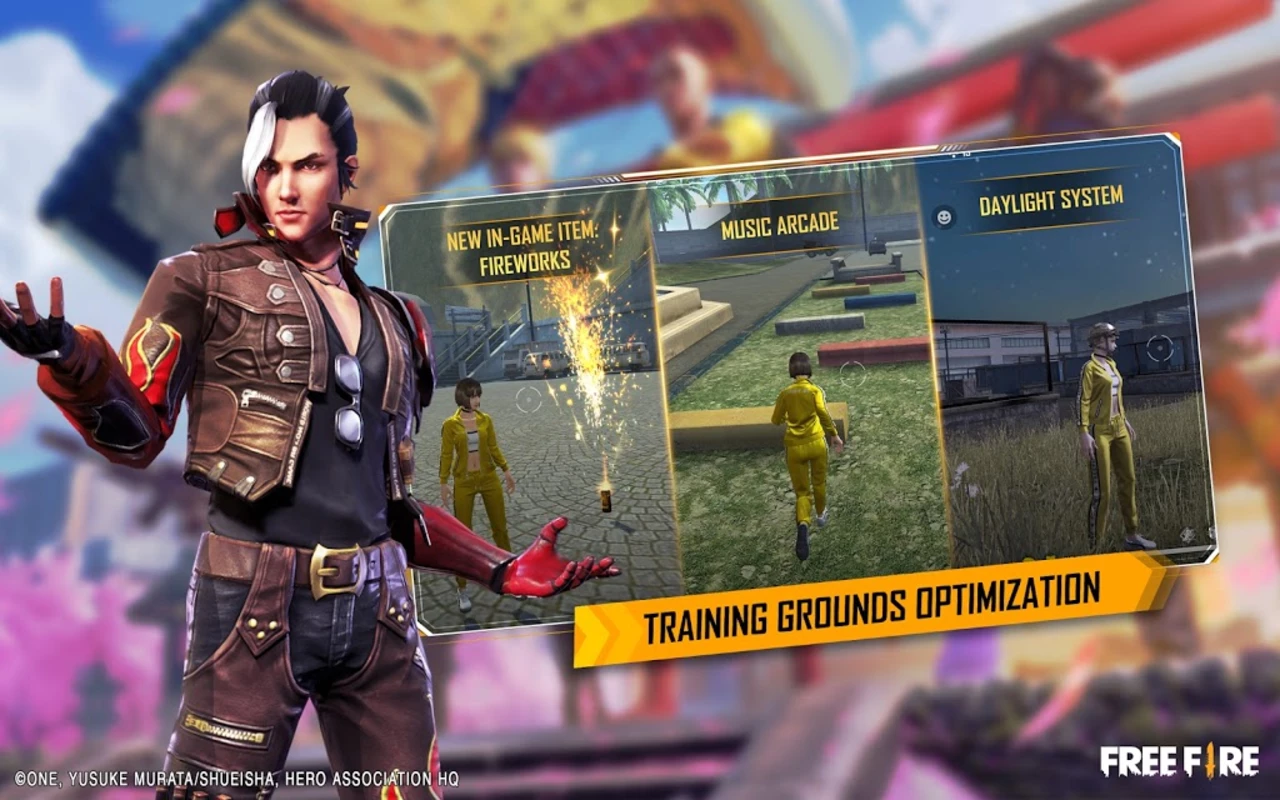
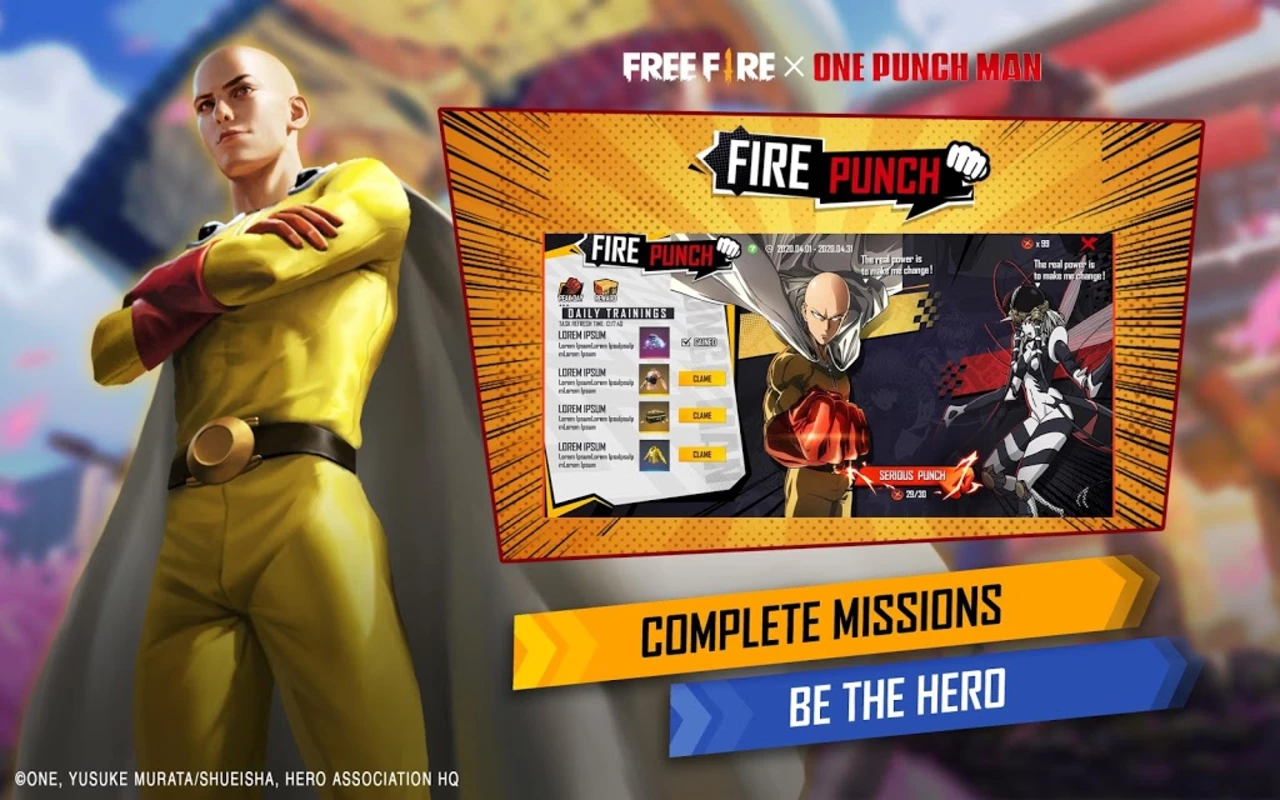
What's new
Version 68.52.0 is the newest build on APKBlade, updated 18 September 2026.
Explore new Free Fire features early on the exclusive FF Advance Server APK!
Do you love the excitement of Free Fire? You may have heard about the Advance Server. It’s a special place to try new Free Fire features before everyone else.
The Advance Server is a testing area for Free Fire, a very popular battle game. The game makers use it to test new updates and features. You can try new characters, weapons, and gameplay changes there.
What is the Advance Server?
The Advance Server is separate from the main Free Fire game. It opens for a short time before a major update. Players who registered can download the Advance Server app and install it on their Android devices during this time.
When you’re in, you get to be one of the first to see and use the new things coming to Free Fire. But it’s not just for fun. Players need to share feedback and report any problems they find. This helps the developers improve the game and make sure everything works well before the update goes public.
What Is The Advance Server?
The Advance Server is a special version of Free Fire. It lets players try new features before they are released. To access it, you need an invitation code.
1. Sign Up: Visit the official Advance Server website. Sign up using your Free Fire account or social media.
2. Get An Invite: The developers send out a limited number of invitations. Each invite has a unique code.
3. Download The APK: If invited, you can download the Advance Server APK. This is separate from the regular Free Fire game.
4. Enter Your Code: After installing the APK, enter the code from your invitation. This code lets you access the server.
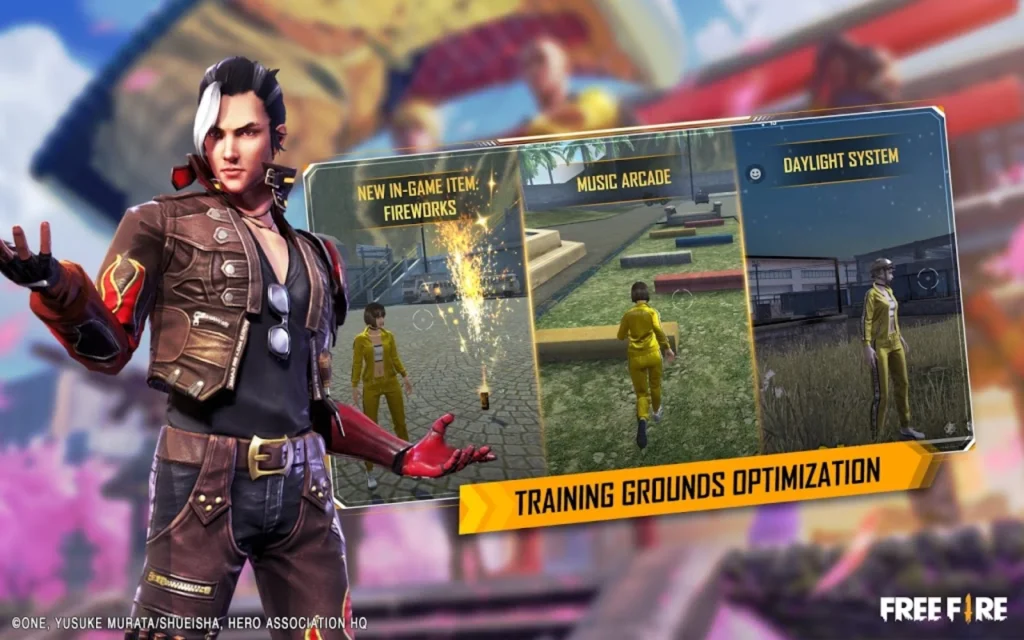
Why Use The Advance Server?
Playing on the Advance Server is exciting. You get to see, and test new game features first. By giving feedback, you help improve Free Fire—players who participate often receive special rewards.
Important Points
1. The Advance Server is only available for a short time. Please make the most of it while you can. It is separate from the regular Free Fire game. Your progress on the Advance Server will not carry over.
2. Joining the Free Fire Advance Server is not easy. Only some players who sign up will get in—getting an invite depends on timing and luck.
3. Advance Server is separate from the main game. Whatever progress you make there will not carry over. It’s an entirely different experience.
4. Since it’s for testing, you might face bugs or issues on the Advance Server. The experience may not be as smooth as the main game.
5. Right now, the Advance Server is only open for Android users. iOS players cannot join at this time.
Free Fire Advance Server: A Special Experience
Playing on the Advance Server is more than just gaming. It lets you be part of the game’s development process. You get to try new features first, give feedback, and sometimes guide the game’s future.
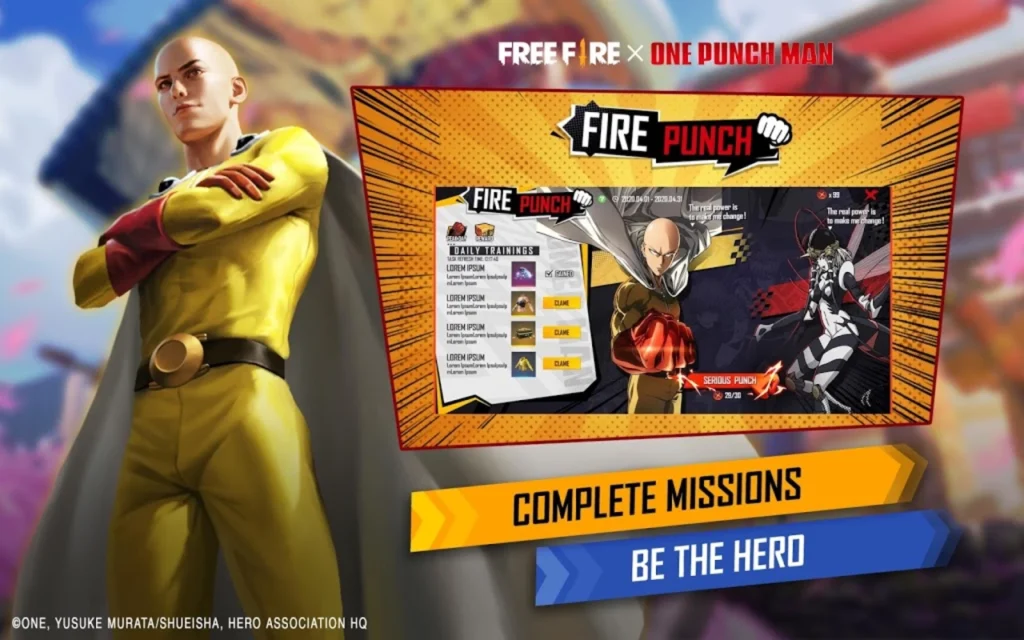
How to Stay Updated
To know when the Advance Server opens and how to register, follow Free Fire’s official social media and website. They share all the necessary details about registration there.
Conclusion
The Free Fire Advance Server offers an exciting chance to experience upcoming features before anyone else. Whether you want early access or to help improve the game, it’s a unique experience. Keep an eye out for registration, hope for an invite, and get ready to play the future of this thrilling battle royale game early. See you on the Advance Server!
More About FF Advance Server
| Name | FF Advance Server |
|---|---|
| Package Name | com.dts.freefireadv |
| Category | Action |
| Version | 68.52.0 |
| Size | 831.6 MB |
| Requires Android | 5.0 and up |
| Developer | Garena International I |
| Last Updated | 18 September 2026 |
How to Install FF Advance Server
- Tap the download button and let the file finish.
- Open the file from your notifications or the Downloads folder.
- If Android asks, allow your browser to install unknown apps.
- Tap Install, then open the app.
FAQ'S
How to install FF Advance Server on android phone?
Once you've downloaded the APK file, click on the downloaded file, then hit the "Install" button.
I am getting Play Protect warning while installing!
Some mod APK files might get a warning. You can ignore this warning and install the APK file. Follow these simple steps to turn off Play Protect: Open Google Play app > Click Profile Icon > Select Play Protect -> Setting > Turn off both "Scan apps with Play Protect" and "Improve harmful app detection" options.
How to update APK without losing the data?
To update APK without losing the data, you don't need to follow anything extra. Click on the downloaded APK file and click the "Install" button. The app will update automatically without loss of data.
How to fix problems while installing/opening?
Make sure you have downloaded the file correctly. The downloaded file extension must end with .apk file. If you face any package install error, redownloading the file may fix the issue.


















Ratings and reviews
There are no reviews yet. Be the first one to write one.